
Feedback & Bug Reports
Help & SupportWe are constantly working to improve the Engineering Toolbox Requirments Manager. To support us in this process, you can send us feedback directly from within the application. You can find the link to the feedback form at the bottom of every page in the footer, provided you are logged in.

The Feedback Form
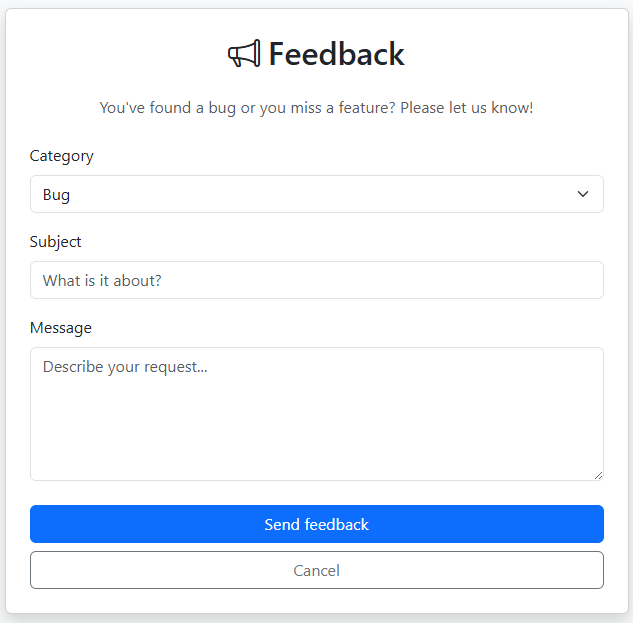
As soon as you click on the "Feedback & Bugs" link, the form will open. Here you can specify your request so that we can process it as quickly as possible.
Core Functions
1. Select Category
You can choose between three categories to help us categorize your request: * Bug / Error: If something is not working as it should. * Feature Request: If you have an idea for a new function. * Other: For general questions or praise.
2. Anonymity and Data Protection
When you submit feedback, it is internally linked to your user account. This helps us get in touch with you directly if we have follow-up questions regarding technical errors. Your data will be treated confidentially and will not be shared with third parties.
3. Processing Status
After submission, your feedback will be reviewed by our administrators. We prioritize technical errors (bugs) over new feature requests.