
Collaboration in Groups
AdministrationGroups are the central link in ETRM. They define who works on which projects and ensure that information is shared in a structured and secure manner.
The Role of Groups
A group acts as a bridge:
- People join groups to obtain a common working environment.
- Projects are assigned to groups so that all group members have access to the corresponding requirements.
Without membership in a group, active participation in projects is not possible.
Membership and Joining
There are two ways to become part of a group:
1. Create a Group
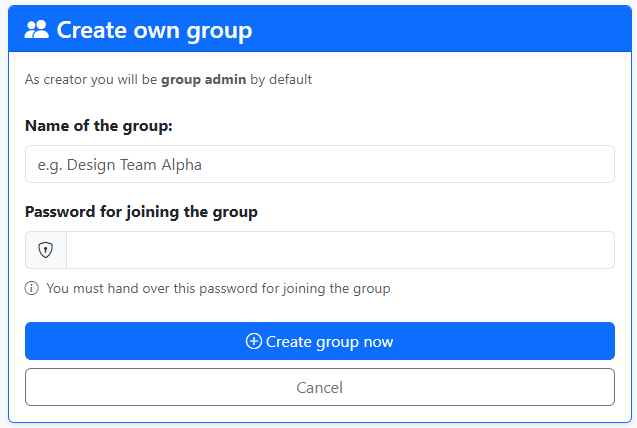
Every user can found a new group (e.g., "Mechanical Project Team" or "Material Testing Task Force"). As the creator, you automatically become the Group Admin.
2. Join Existing Groups
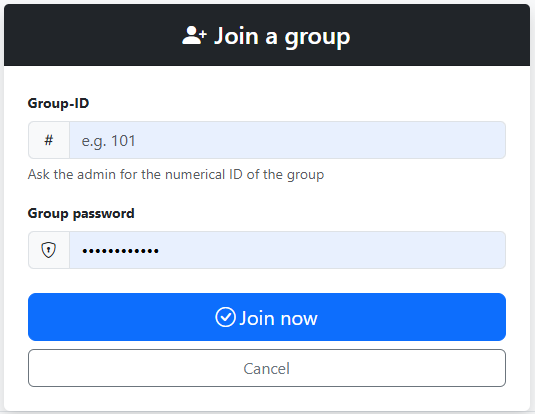
You can join existing groups. To do this, you need the Group ID and the Group Password from the respective Group Admin.
Group Management (Admin Functions)
As a Group Admin, you can:
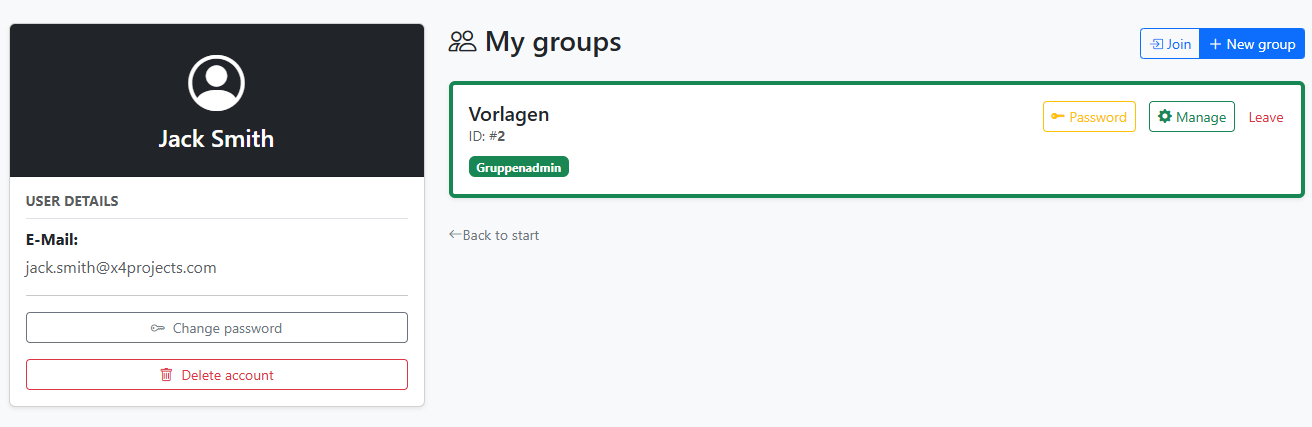
- Manage Members: You can invite new members or remove members.
- Assign Roles: You can decide whether a member has read-only rights, can comment, can edit requirements themselves, or should also be a Group Admin.
Additional Best Practices
To ensure smooth collaboration, please consider the following points:
Structure: Name groups clearly according to their purpose (e.g.,
Dept_QA_Software) to avoid confusion during project assignment.Deputization: It is recommended to appoint at least two members as Group Admins...